
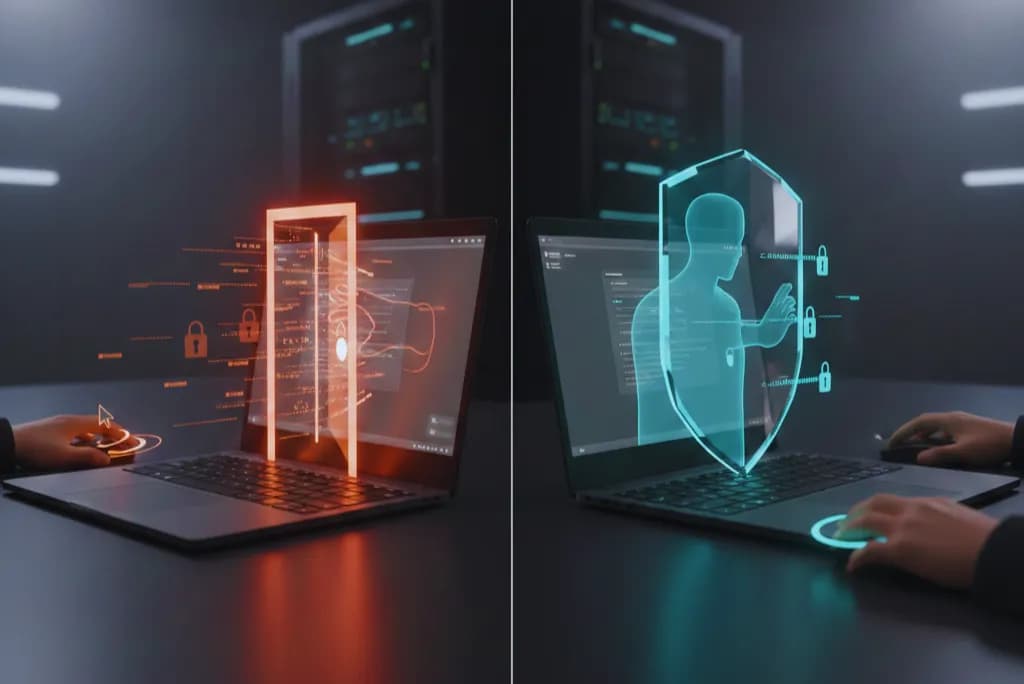
Every time a support agent takes full remote control of a customer's computer, a door swings open. You aren’t just helping them; you are handing over a live, privileged session to a stranger or to software you don't fully control at the exact moment something is already going wrong.
The question isn't whether remote access tools work. It's whether the risks they introduce are worth the convenience.
For modern support teams, the answer lies in view-only screen sharing. This approach changes the equation: the customer stays in control, support gets the context they need, and the "blast radius" of a potential security breach drops significantly.
The Remote Access Problem: Too Much Power, Too Little Control
Remote Desktop Protocol (RDP) and similar tools were originally built for IT administrators managing servers, not for customer support teams helping users reset passwords. When an agent connects via traditional remote access, they often gain the same privileges as the user sitting at that machine. They can open files, install software, and view any data stored on the device.
This "open door" is a favorite target for criminals. In 2024, over 330 million credentials were compromised by infostealer malware, often spread through compromised remote access applications.
The Security Implications are Stark
- High Success Rate for Attacks: According to recent data, 59.4% of attacks targeting remote access tools succeeded in exploiting common vulnerabilities.
- Critical Vulnerabilities: The infamous BlueKeep vulnerability allowed attackers to execute code on unpatched systems. More recently, CVE-2025-48817 earned a CVSS score of 8.8, enabling remote code execution when users connected to malicious RDP servers.
- The Human Element: Even if the connection is secure, agents can inadvertently see sensitive personal documents or confidential emails if the customer hasn't actively hidden them.
Criminals love remote control tools because they convert social engineering into direct execution. The FBI and CISA repeatedly warn that legitimate remote access tools are frequently used in ransomware operations to monitor, manipulate, and perform actions on victim computers (Federal Bureau of Investigation; CISA).
View-Only: Visibility Without Vulnerability
View-only screen sharing and co-browsing solutions take a fundamentally different approach. Instead of granting access to an entire system, these tools restrict visibility to a single browser tab or application window.
This aligns perfectly with the Principle of Least Privilege. NIST’s Cybersecurity Framework explicitly advises to “Employ the principle of least privilege” (csf.tools). Remote control violates this by default; view-only enforces it.
Why View-Only is the Safer Default
- Browser-Based Security: Modern tools operate entirely within the browser, eliminating the need for customers to download or install third-party software removing a common vector for malicious installers.
- Data Masking: Field masking adds a critical layer of protection. When customers enter credit card numbers or passwords, these inputs are automatically obscured from the agent's view, making the session compliant with PCI DSS requirements.
- Encryption: Leading platforms use TLS 1.2 or higher encryption for all session transmissions.
The Role of AI and Modern Widgets in Support
As organizations modernize their stacks, AI help desk for desktop apps and web platforms are increasingly adopting view-only architectures by default.
For SaaS companies, a SaaS help widget with screen sharing offers a significant friction reduction. Traditional remote access requires customers to navigate connection dialogs and grant permissions barriers that frustrate non-technical users. In contrast, browser-based co-browsing requires just a single click to initiate.
This seamless integration allows the agent to guide the user through complex workflows without ever taking control. The user executes the actions; the agent observes.
The Business Case: Trust and Efficiency
Security isn't the only advantage. View-only screen sharing fundamentally changes the support dynamic.
- Higher Engagement: When customers retain control, they remain engaged in the problem-solving process rather than becoming passive observers. This leads to better learning and fewer repeat contacts.
- Proven Results: When Intuit implemented co-browsing for TurboTax support, they cut support time by 50% while simultaneously increasing customer satisfaction scores by 50%.
- Building Trust: A 2024 survey found that 78% of customers feel more positive when support interactions respect their privacy boundaries.
When Full Remote Access Still Makes Sense
Acknowledging the strengths of view-only solutions doesn't mean dismissing remote access entirely. There are legitimate scenarios like deep system configuration, hardware troubleshooting, or complex driver installations where full control is necessary.
However, organizations must treat remote control as a deliberate escalation, not a default. If you must use it, follow a strict safety checklist:
- Step-up verification: Confirm identity before granting control.
- Time-box sessions: Auto-expire access to prevent open doors.
- MFA for support tooling: As recommended by the PCI Security Standards Council (PCI Security Standards Council).
- Audit trails: Ensure session recording and immutable logs are in place.
Conclusion: Security as a Competitive Advantage
The shift from remote access to view-only screen sharing is a statement about how organizations value their customers' privacy. In an era where data breaches dominate headlines, demonstrating proactive security measures differentiates service providers.
View-only screen sharing solves the same problems as remote access for most support scenarios while eliminating the attack surface that makes traditional tools dangerous.
For companies looking to lead with security and trust, the Yvra AI Platform offers the robust architecture needed to deliver seamless, view-only support experiences that protect both your business and your customers.